Showing posts with label matlab projects. Show all posts

Saturday, 14 November 2015

Super resolution in matlab

Super resolution In matlab


Single-image super-resolution refers to the task of constructing a high-resolution enlargement of a given low-resolution image. Usual interpolation-based magnification introduces blurring. Then, the problem cast into estimating missing high-frequency details. Based on the framework of Freeman et al. [1], we investigate a regression-based approach. The system consists of four components:
1.       interpolation of the input low-resolution image into the desired scale
2.       generation of a set of candidate images based on patch-wise regression: kernel ridge regression is utilized; To reduce the time complexity (around 200,000 data points), a sparse basis is found by combining kernel matching pursuit and gradient descent
3.       combining candidates to produce an image: patch-wise regression of output results in a set of candidates for each pixel location; An image output is obtained by combining the candidates based on estimated confidences for each pixel.
4.       post-processing based on the discontinuity prior of images: as a regularization method, kernel ridge regression tends to smooth major edges; The natural image prior proposed by Tappen et al. [2] is utilized to post-process the regression result such that the discontinuity at major edges are preserved.
: Overview of super-resolution shown with an example: (a) input image is interpolated into the desired scale, (b) a set of candidate images is generated as the result of regression, (c) candidates are combined based on estimated confidences; The combined result is sharper and less noisy than individual candidates, which however shows ringing artifacts, and (d) post-processing removes ringing artifacts and further enhances edges.


Sample Implementation


Mail to onlinematlabprojects@gmail.com to get MATLAB PROJECTS 


Saturday, 31 October 2015

Background Subtraction in MATLAB

Background subtraction, also known as Foreground Detection, is a technique in the fields of image processing and computer vision wherein an image's foreground is extracted for further processing (object recognition etc.). Generally an image's regions of interest are objects (humans, cars, text etc.) in its foreground. After the stage of image preprocessing (which may include image denoising, post processing like morphology etc.) object localisation is required which may make use of this technique. Background subtraction is a widely used approach for detecting moving objects in videos from static cameras. The rationale in the approach is that of detecting the moving objects from the difference between the current frame and a reference frame, often called “background image”, or “background model”. Background subtraction is mostly done if the image in question is a part of a video stream. Background subtraction provides important cues for numerous applications in computer vision, for example surveillance tracking or human poses estimation. However, background subtraction is generally based on a static background hypothesis which is often not applicable in real environments. With indoor scenes, reflections or animated images on screens lead to background changes. In a same way, due to wind, rain or illumination changes brought by weather, static backgrounds methods have difficulties with outdoor scenes.


  • Background subtraction (BS) is a common and widely used technique for generating a foreground mask (namely, a binary image containing the pixels belonging to moving objects in the scene) by using static cameras.
  • As the name suggests, BS calculates the foreground mask performing a subtraction between the current frame and a background model, containing the static part of the scene or, more in general, everything that can be considered as background given the characteristics of the observed scene.
    Background_Subtraction_Tutorial_Scheme.png

  • Background modeling consists of two main steps:
    1. Background Initialization;
    2. Background Update.


Mail to onlinematlabprojects@gmail.com to get MATLAB PROJECTS 


Brain signal data by EEG signal processing technique using MATLAB

 EEG is brain signal processing technique that allows gaining the understanding of the complex inner mechanisms of the brain and abnormal brain waves have shown to be associated with particular brain disorders. The analysis of brain waves plays an important role in diagnosis of different brain disorders. MATLAB provides an interactive graphic user interface (GUI) allowing users to flexibly and interactively process their high-density EEG dataset and other brain signal data different techniques


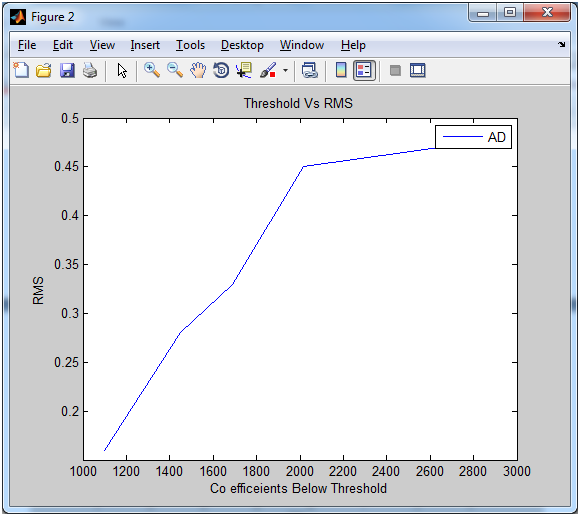
Results After Compressive Sensing:-


Mail to onlinematlabprojects@gmail.com to get MATLAB PROJECTS